Looking for a faster way to create videos?
Pictory might be what you need.
It’s an AI tool that turns your written content and long recordings into short, polished videos. No complex editing required.
Right now, their Black Friday deal offers up to 51% off on their plans.

Get Pictory 51% OFF Black Friday Deal!
Save big on Pictory and turn your content into engaging videos without editing skills.
Verified
This deal runs through Cyber Monday!
If you regularly publish content and want to add video without the usual time investment, this deal is worth considering.
Pictory Black Friday 2025 offer
Here’s what you get with this Black Friday and Cyber Monday deal: up to 51% off on annual plans.
But there’s more!
You also get:
- 2400 bonus AI credits to power up your video creation
- Free consultation with Pictory’s video creation expert (worth $210)

So you’re not just saving money on the subscription. You’re getting expert help to create better videos faster.
| Plan name | Regular price | Black Friday price | Discount |
| Starter plan | $25/month | $14/month (billed annually) | 44% off |
| Professional plan | $49/month | $24/month (billed annually) | 51% off |
| Team plan | $119/month | $99/month (billed annually) | 17% off |
Pictory gives you powerful tools that make video creation easy. You can turn blog posts into videos, create YouTube Shorts, or slice up webinars for social media.
This Black Friday deal gets you full access to everything Pictory offers at a serious discount.
It’s perfect if you publish content regularly but don’t want to spend hours editing.
Claim Pictory Black Friday deal
What is Pictory?

Pictory is an AI video tool that turns your text content or long videos into short, engaging clips without any editing skills needed.
You can:
- Paste a blog post and get a social-ready video
- Upload a Zoom recording and extract highlights
- Generate captions, add branding, and export in the right format – all in minutes
It’s built for:
- Content marketers turning blog posts into YouTube Shorts
- Coaches and course creators slicing up webinar replays
- Social media teams repurposing long videos for reels
- Podcasters and educators making snackable clips
There’s no complex timeline.
No software to install.
And no prior editing experience required.
Pictory helps you go fast from raw content to polished video.
Features of Pictory
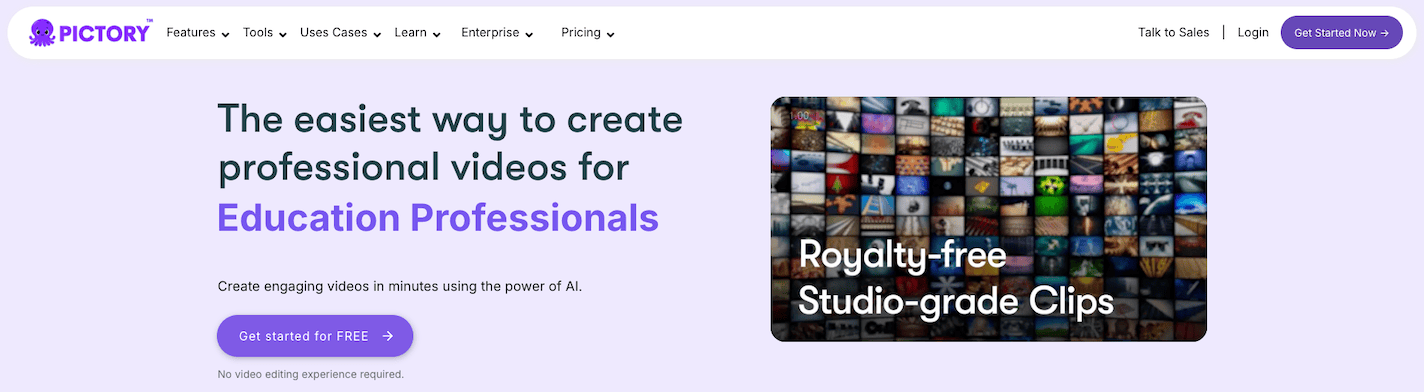
At first glance, Pictory looks simple. But it’s loaded with AI tools designed to save you hours of manual editing.
Here’s what makes it stand out:
- Text-to-video converter: You can turn blog posts or written scripts into professional-looking videos. Pictory’s AI picks visuals, adds subtitles, and creates transitions automatically.
- Video summarizer: You get short highlight clips by uploading webinars, Zoom recordings, or long videos. Perfect for social media or email.
- Auto clipping for social: It lets AI find the most engaging parts of your video and convert them into short clips for TikTok, Reels, or Shorts.
- Voiceover and narration support: You can use your own voiceovers or AI-generated voices in multiple languages and accents.
- Automatic subtitles: You get captions with one click. Change the font, color, size, and position to match your brand and make content accessible.
- Branding templates: You can save your logo, colors, intro/outro, and apply them across all videos for consistent branding.
- Multiple export formats: You can export in square, vertical, or landscape without redoing the entire video. Great for publishing on different platforms.
- Cloud-based editing: It runs entirely in the cloud with no software installation needed, so your computer stays fast and your projects are always accessible.
Pictory is perfect for creators who want to publish consistently without getting stuck in editing.
Pictory vs other competitors
There are plenty of AI video tools in the market, but not all of them work well for content repurposing and text-based workflows like Pictory does.
Here’s how it compares to some popular alternatives:
- Descript: Great for podcast and audio editing, but its video features can feel clunky. Pictory is better for turning scripts, blog posts, or webinars into clean, short videos without learning a full editor.
- Lumen5: Focused on marketing videos, but gives you limited control over branding and visuals. Pictory offers more customization and better subtitle handling for social media-ready videos.
- Runway: Powerful for AI-generated visuals and experiments, but not ideal for repurposing structured content like blogs or webinars. Pictory works best when your workflow starts with text or long-form media.
- Canva Video: Great for static design with some animation, but lacks real AI-powered automation for video. Pictory automates highlights, visuals, and captions so you can create more videos, faster.
👉 If you work with content (written or recorded) and want to turn it into video consistently and quickly, Pictory is built exactly for that.
Pros and Cons of Pictory
Pros 👍
- Intuitive interface: You don’t need any advanced video editing skills to use Pictory – it’s designed to be easy and straightforward.
- Text-to-video creation: You can quickly turn your scripts, blog posts, or articles into engaging video content.
- Comprehensive AI features: You get AI video editing, automatic subtitles, filler word removal, AI voiceovers, and customizable branding all in one place.
- Automated transcription: Pictory automatically generates captions, transcribes your videos, and highlights key scenes from longer content.
- Stock media integration: You have access to extensive stock image and video libraries like Getty Images built right into the platform.
- Multi-format exports: You can export your videos in multiple formats and resolutions optimized for different social media channels.
- Professional video output: You’ll get polished, high-quality videos that are efficient to produce and look professional.
- Versatile use cases: You can create videos quickly for marketing campaigns, social media posts, and content repurposing projects.
- Flexible pricing options: You get affordable plans with scalable options that work whether you’re an individual creator, startup, or marketing team.
Cons 👎
- Limited audio flexibility: You can’t use different audio tracks in a single video.
- AI voice limitations: You get limited AI voice options, and some AI-generated voiceovers have imperfections.
- Image selection issues: AI sometimes picks irrelevant or imperfect images, so you’ll need to make manual adjustments.
- Basic editing features: You won’t find advanced video editing features like manual color grading or intricate customization.
- Creative control restrictions: The automated process may restrict your creative control if you want nuanced artistic editing.
- Output quality limits: Output quality may not meet very high-end cinematic or broadcast standards (e.g., no 4K or specialty codecs).
- Slow support response: Technical support can be slow to respond.
FAQs on Pictory Black Friday
- When does the Pictory Black Friday deal go live? The Pictory Black Friday deal is live now and runs through Cyber Monday, ending in early December.
- How much can I save with this Black Friday offer? You can save up to 51% on annual plans, plus you get 2400 bonus AI credits and a free consultation with their video expert (worth $210).
- Which Pictory plans are included in the Black Friday sale? All three annual plans are included: Starter ($14/month), Professional ($24/month), and Team ($99/month) when billed annually.
- Do I need a coupon code to get the Black Friday discount? No, the Black Friday discount is applied automatically.
- Can existing Pictory users grab this Black Friday deal? The deal is primarily for new customers, but you can contact Pictory support to ask about upgrade options if you’re an existing user.
- What are the 2400 bonus AI credits for? The bonus AI credits let you use advanced features like AI voiceovers, video summarization, and premium stock media from Getty Images and Storyblocks.
- Does the Black Friday discount apply after the first year? No, after your first year ends, the subscription renews at regular pricing, but you can cancel anytime before renewal.
Final thoughts
The Pictory Black Friday deal is a golden opportunity for content creators, marketers, and educators who want to create high-quality videos without spending hours editing.
Whether you’re repurposing blog posts, clipping webinars, or creating YouTube Shorts, Pictory helps you do it faster, easier, and without needing a production team.
And with up to 51% off during Black Friday and Cyber Monday, plus 2400 bonus AI credits and a free $210 expert consultation, you’re getting way more than just a discount.
You’re getting the tools, the credits, and the guidance to actually use Pictory effectively from day one.